Best AI Meeting Assistants: 5 Picks by Workflow
Compare Granola, Fathom, Fireflies.ai, Otter.ai, and tl;dv by capture method, follow-up workflow, and team use.
Published · Updated
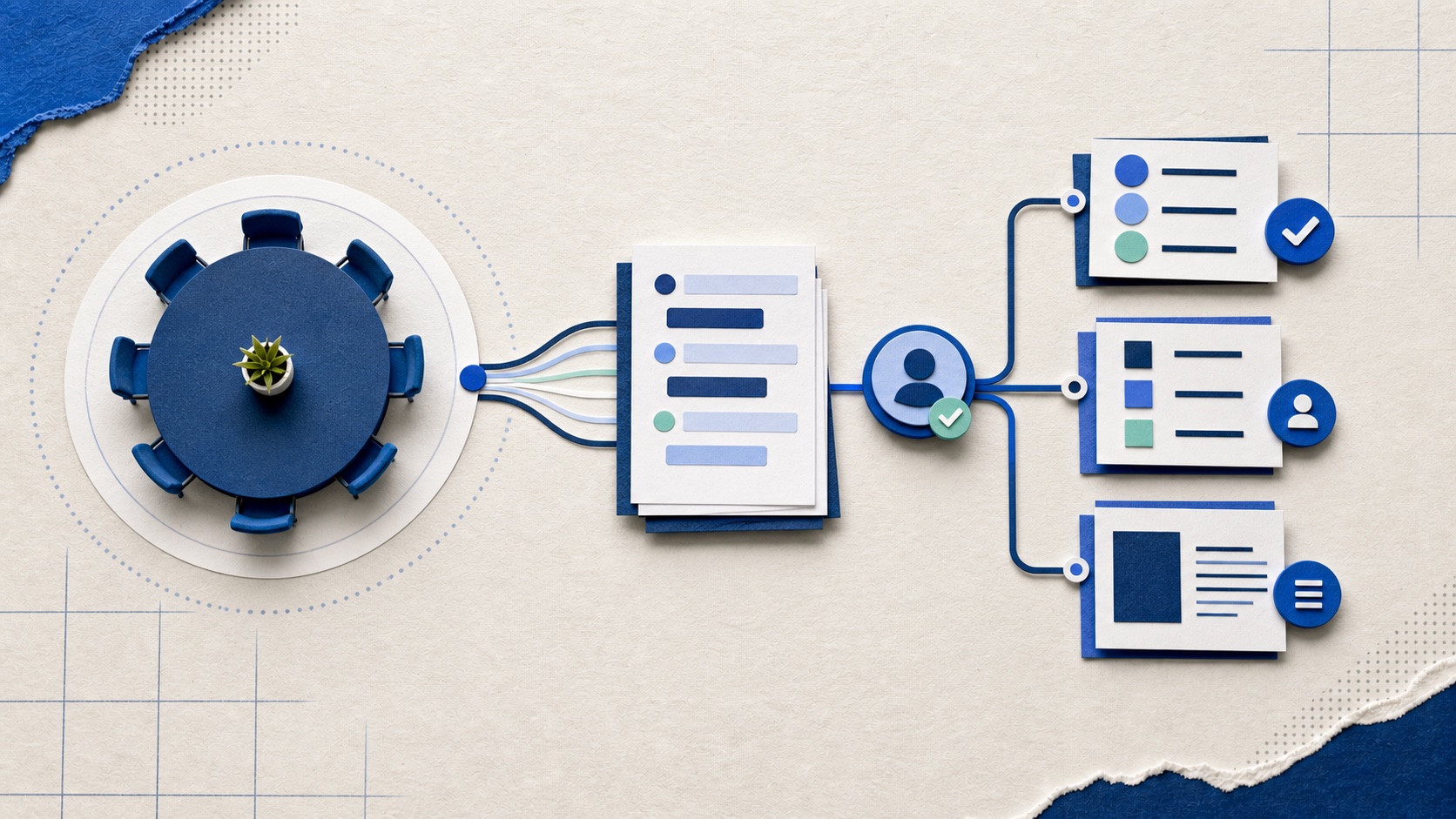
Choose the follow-up workflow before the transcription engine
Most meeting assistants can produce a transcript and a plausible summary. The meaningful differences show up before and after that moment: whether a visible bot joins, how consent is handled, how notes combine with your own observations, and whether decisions can reach the system where work is tracked.
Our shortlist favors products with a clear job. Granola is for personal notes, Fathom is the easiest general starting point, Fireflies is for a searchable team record, Otter is strongest around live transcription, and tl;dv is useful when you need to compare themes across many calls.
Recommended tools
Our shortlist, by job
These are not affiliate rankings. Each recommendation names the situation where the tool makes sense and the tradeoff we would check before committing.
01
Granola
Best for
People who want their own notes improved without a bot joining the call
Best when the human note-taker should stay in control of what matters.
What stands out
It transcribes from the computer and can expand notes you take during the meeting into a cleaner record. The bot-free model is less visually intrusive for participants.
What to watch
It is not the obvious choice for video recording, formal call libraries, or heavily managed team workflows. Bot-free does not remove the need for consent.
02
Fathom
Best for
A low-friction first trial with summaries and action items
Our default starting point for most individuals and small teams.
What stands out
Automatic notes, highlights, summaries, and follow-up outputs cover the common use case, and public reviews frequently praise its ease of use and free entry point.
What to watch
Recurring review complaints include occasional transcript or summary inaccuracies. Check names, commitments, numbers, and owners before sharing notes.
03
Fireflies.ai
Best for
Teams that want a searchable meeting archive and collaboration around calls
A better team knowledge system than a lightweight personal note helper.
What stands out
Search, topics, comments, summaries, and integrations make it easier to revisit calls and pass information into team workflows.
What to watch
A large archive only helps if retention, permissions, and ownership are managed. The breadth can feel heavy for someone who only wants a short summary.
04
Otter.ai
Best for
Live transcription and a running text record during meetings
Strong when the transcript itself is the working surface, less distinctive if you only need a post-call recap.
What stands out
Live transcripts, speaker handling, highlights, summaries, and action items make the conversation searchable while it is happening and afterward.
What to watch
Technical terms, accents, and poor audio can still create errors. Treat the transcript as a draft record, especially where exact wording matters.
05
tl;dv
Best for
Teams reviewing themes across interviews, sales calls, or recurring meetings
Worth considering when cross-meeting search matters more than polishing one set of notes.
What stands out
Recording, clips, summaries, topic search, and multi-meeting views help teams pull repeated themes from a body of conversations.
What to watch
It introduces another repository to govern, and the value depends on a consistent naming and sharing practice. Confirm platform support for your actual calls.
Pick by capture model and destination
You dislike meeting bots.
Start with Granola, but still tell participants that transcription is active and obtain the consent your policy and local law require.
You need a dependable personal default.
Start with Fathom. Test whether its summary and action-item format reduces follow-up work on your normal meetings.
Several people need to search past calls.
Compare Fireflies and tl;dv. Decide who may access recordings and how long they remain available before importing the backlog.
Real-time text is essential.
Otter is the clearest fit. Trial it with your actual vocabulary, speakers, and audio setup rather than a quiet one-person recording.
Run a consented five-meeting test
Use five ordinary meetings that represent different conditions: two speakers, several speakers, imperfect audio, domain-specific language, and a call with clear decisions. Tell participants what is recorded, where it is stored, who can see it, and how it can be deleted. Give them a genuine way to decline.
Score the result on decisions captured, action items with correct owners, editing time, missed context, and whether the notes reach the place where work is managed. A ninety-percent-looking transcript can still fail if the ten percent it misses contains the commitment that mattered.
The rule we would not compromise on
No automated summary should become the final record without review by someone who attended. Meeting tools are especially persuasive when they are wrong: a tidy sentence can quietly attach a decision to the wrong person or turn a suggestion into a commitment.
Recording law and workplace policy vary. Product settings do not decide whether consent is sufficient. If a meeting contains health, employment, legal, financial, or customer-confidential information, use the policy approved for that information or do not record it.
Source notes
What informed this guide
Product links above go to official sites. The sources below show the comparisons and public feedback we used. Community discussions are useful signals, not representative surveys.
- Independent comparisonZapier meeting assistant comparisonA hands-on category review used to compare workflows and product boundaries.
- Independent comparisonG2 AI meeting assistant categoryReview patterns used to check common praise and recurring accuracy complaints.
- Community signalPublic user comparisonAnecdotal comparison of personal note-taking and team follow-up workflows.