
Best AI Tools for Administrative Work: 6 Practical Picks
Compare six practical AI and automation tools for documents, email, research, internal knowledge, and cross-app work.
Published · Updated
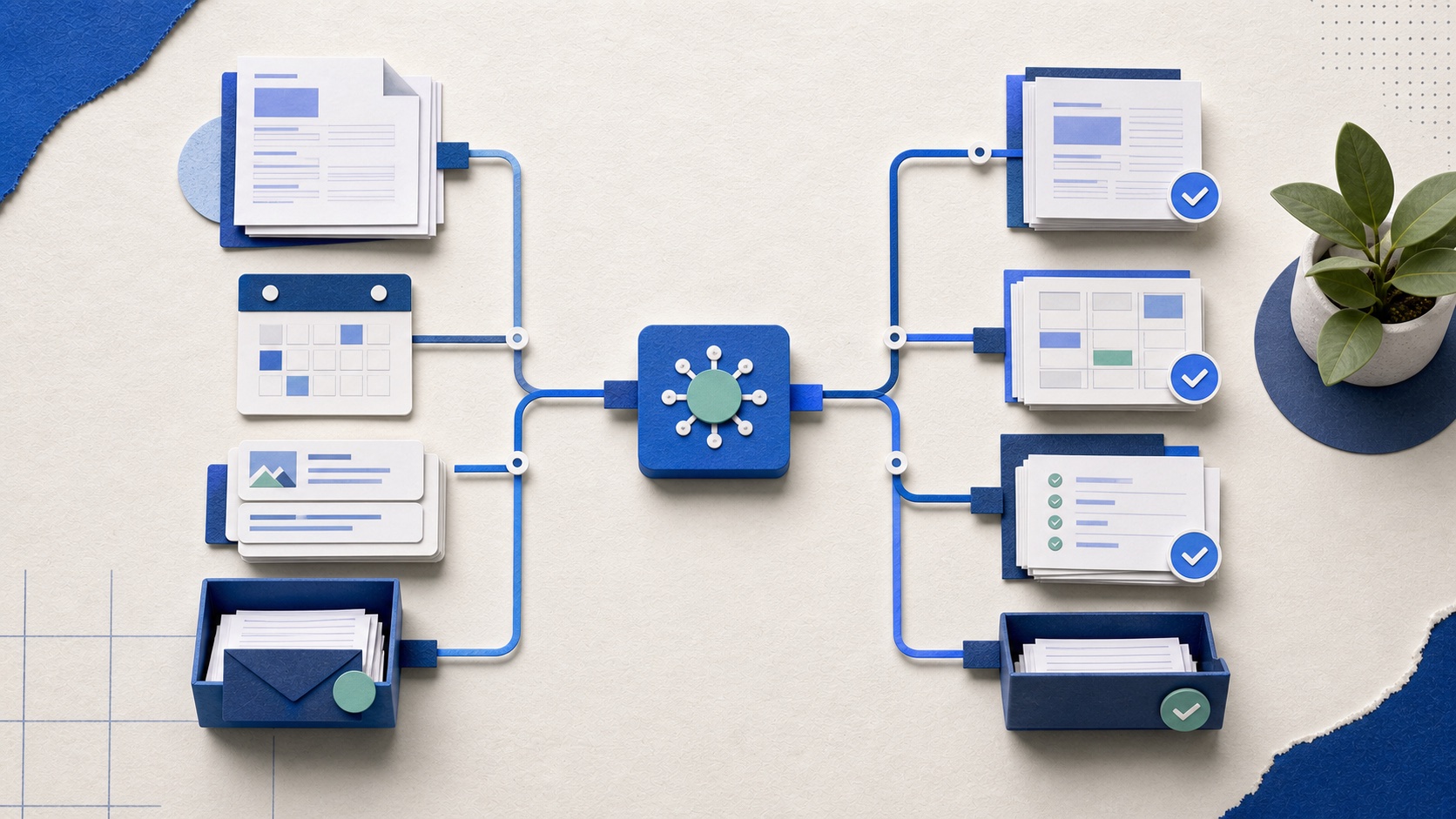
The useful AI assistant is usually the one closest to your work
Administrative work is not one job. It is email, documents, scheduling, meetings, research, reporting, and moving information between systems. A standalone chatbot can help draft or think, but it often leaves the user carrying context back and forth. The tool embedded in your approved email, files, and calendar may save more steps even when its model is not the headline winner.
That leads to our main recommendation: start with the suite that already holds the work, add a general reasoning tool only for tasks that genuinely need it, and use automation software when the real problem is the handoff between systems.
Recommended tools
Our shortlist, by job
These are not affiliate rankings. Each recommendation names the situation where the tool makes sense and the tradeoff we would check before committing.
01
Microsoft 365 Copilot
Best for
Organizations whose email, documents, spreadsheets, and meetings live in Microsoft 365
The first tool to evaluate in a Microsoft workplace because it can work where the context already lives.
What stands out
Its value is the connection across Outlook, Word, Excel, PowerPoint, Teams, and Microsoft Graph permissions: drafting, summarizing, meeting follow-up, and working with approved organizational data.
What to watch
Licensing, permissions, and data hygiene matter. A connected assistant can surface old or poorly governed information faster as well as useful information.
02
Gemini for Google Workspace
Best for
Teams already centered on Gmail, Docs, Sheets, Drive, and Meet
The natural first evaluation for a Google Workspace organization.
What stands out
Drafting, summaries, document help, spreadsheet assistance, and meeting support sit inside familiar applications, reducing copy-and-paste between a chatbot and the source material.
What to watch
Results still depend on the quality and permissions of workspace content. Confirm which features and controls are available on your edition.
03
ChatGPT Business
Best for
Flexible drafting, analysis, research support, and reusable workspaces across varied tasks
The strongest generalist on this list when the job does not belong inside a single office suite.
What stands out
It is useful for turning rough notes into structure, comparing options, analyzing uploaded material, and creating repeatable project context for recurring work.
What to watch
A chat window does not automatically own the downstream process. Users still need approved data practices, source checks, and a clear path from draft to final system.
04
Claude Team
Best for
Long documents, careful synthesis, and project-based writing work
A strong alternative when reading, structuring, and revising substantial material is the main job.
What stands out
Projects and document-heavy conversations suit policy drafts, briefings, meeting packs, and synthesis where the user needs to preserve a coherent body of context.
What to watch
Like any standalone assistant, it can add a transfer step between the answer and the system of record. Verify claims and do not treat fluent prose as approval.
05
Notion AI
Best for
Teams whose wiki, project notes, and working documents already live in Notion
Most valuable as a retrieval and drafting layer over a maintained workspace, not as a reason to move a messy knowledge base.
What stands out
Workspace search, writing help, summaries, and meeting notes can shorten the distance between finding internal context and producing a usable draft.
What to watch
Poorly named, duplicated, or outdated pages produce poor context. Clean ownership and archiving remain necessary.
06
Zapier
Best for
Moving approved information between apps after the content is ready
Use it when the missing piece is workflow execution, not better prose.
What stands out
Triggers and actions across thousands of apps can create records, route requests, send reminders, and place AI steps inside a wider process.
What to watch
Multi-step workflows need ownership, failure alerts, and cost monitoring. Do not let an AI output trigger a high-consequence action without review.
Choose by where the work begins and ends
Email, calendars, and office documents
Evaluate Microsoft 365 Copilot or Gemini in the suite your organization already governs. The reduction in switching may matter more than a marginal model difference.
A difficult brief, policy draft, or research synthesis
Compare ChatGPT Business and Claude Team using the same representative task, approved source pack, and review standard.
Finding and reusing internal team knowledge
Notion AI can help if Notion is already the maintained source. Fix duplicated and ownerless pages before expecting retrieval to be reliable.
Moving information after approval
Use Zapier or a suite-native automation tool. Keep a person before external messages, access changes, money movement, or employment decisions.
A pilot should measure the whole task
Pick one weekly task and five representative examples. Record the time spent gathering context, prompting, checking sources, correcting output, formatting, and filing the final result. A fast first draft is not a saving if the review takes longer than writing it yourself.
Track the failure that matters: a wrong date, missing recipient, invented source, lost nuance, or confidential material placed in an unapproved system. Keep the pilot small enough that every error can be inspected. Expand only when the same task repeatedly saves time without weakening the review.
What public user feedback changed in our ranking
Public discussions repeatedly describe a limit of chat-only assistance: the user still has to bring the context, explain the task, and carry the result into another system. That is why suite integration and workflow ownership carry more weight here than a long feature list.
Reporting on administrative professionals also points to a better goal than replacing the role: remove preparation and transcription work so people can spend more time on coordination, judgment, and relationships. We would reject any pilot that saves minutes by making those responsibilities less visible.
Source notes
What informed this guide
Product links above go to official sites. The sources below show the comparisons and public feedback we used. Community discussions are useful signals, not representative surveys.
- Independent comparisonAdministrative AI tool roundupUsed to map the main administrative use cases and products in the category.
- Independent comparisonAssociated Press reportingReporting on how administrative professionals use AI while retaining judgment and relationship work.
- Community signalPublic admin-work discussionAnecdotal feedback about context transfer, integrations, and keeping people in the loop.